Reverse engineering my stereo
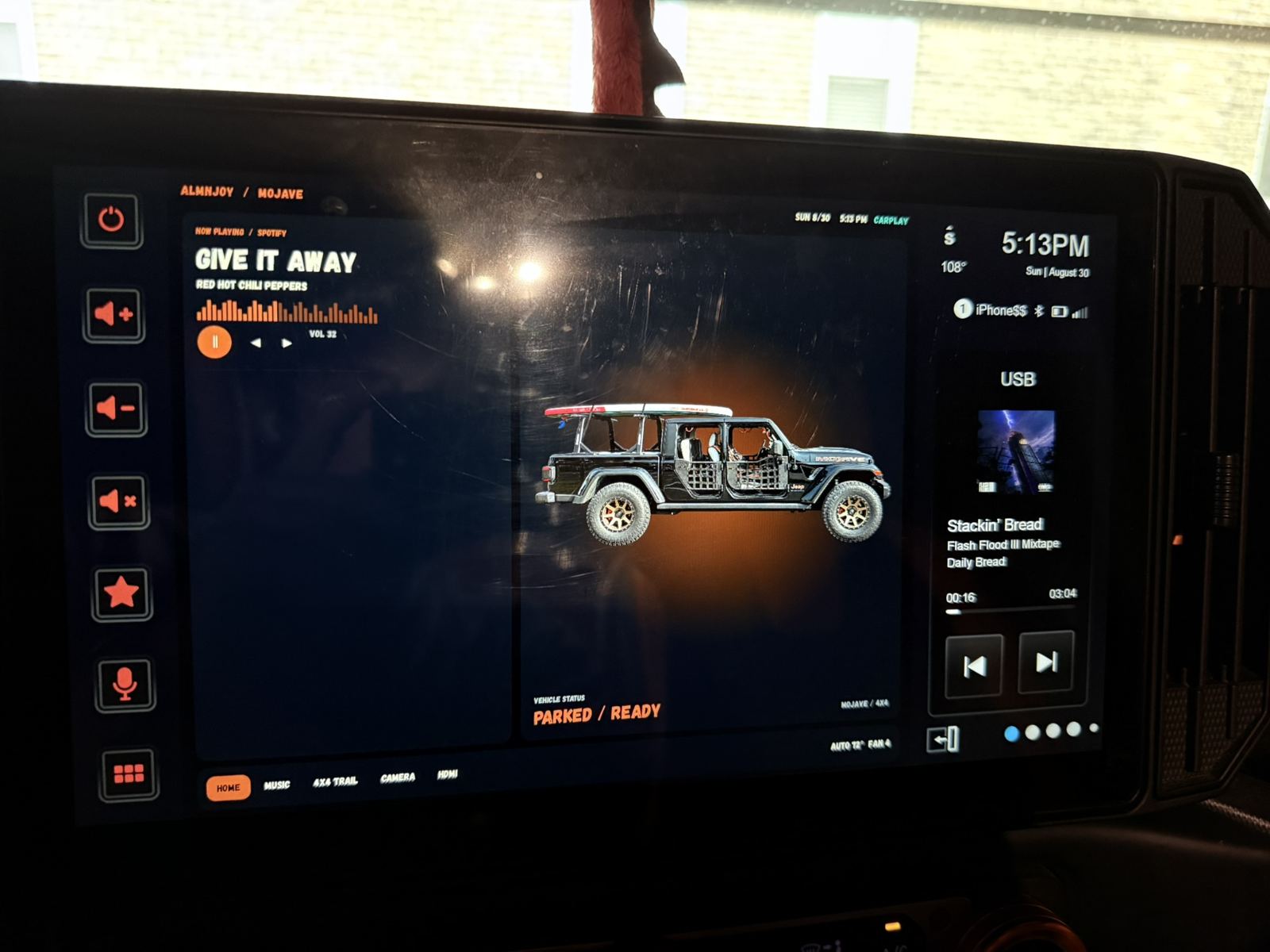
Like all good Jeep owners, I want to tinker, break things, and find new cool things to put in my Jeep to make it mine.
A few years ago, I picked up a Stinger HORIZON12. Outside of the ridiculous price point, I was excited about having what was essentially a tablet in the middle of my car. I wanted to see what it could do. Use all the fun features, buy more things, plug them all in.
But after a year and a half of using it, what was a killer was that it felt no different than any other radio. It changed my volume up and down, and it played CarPlay for me.
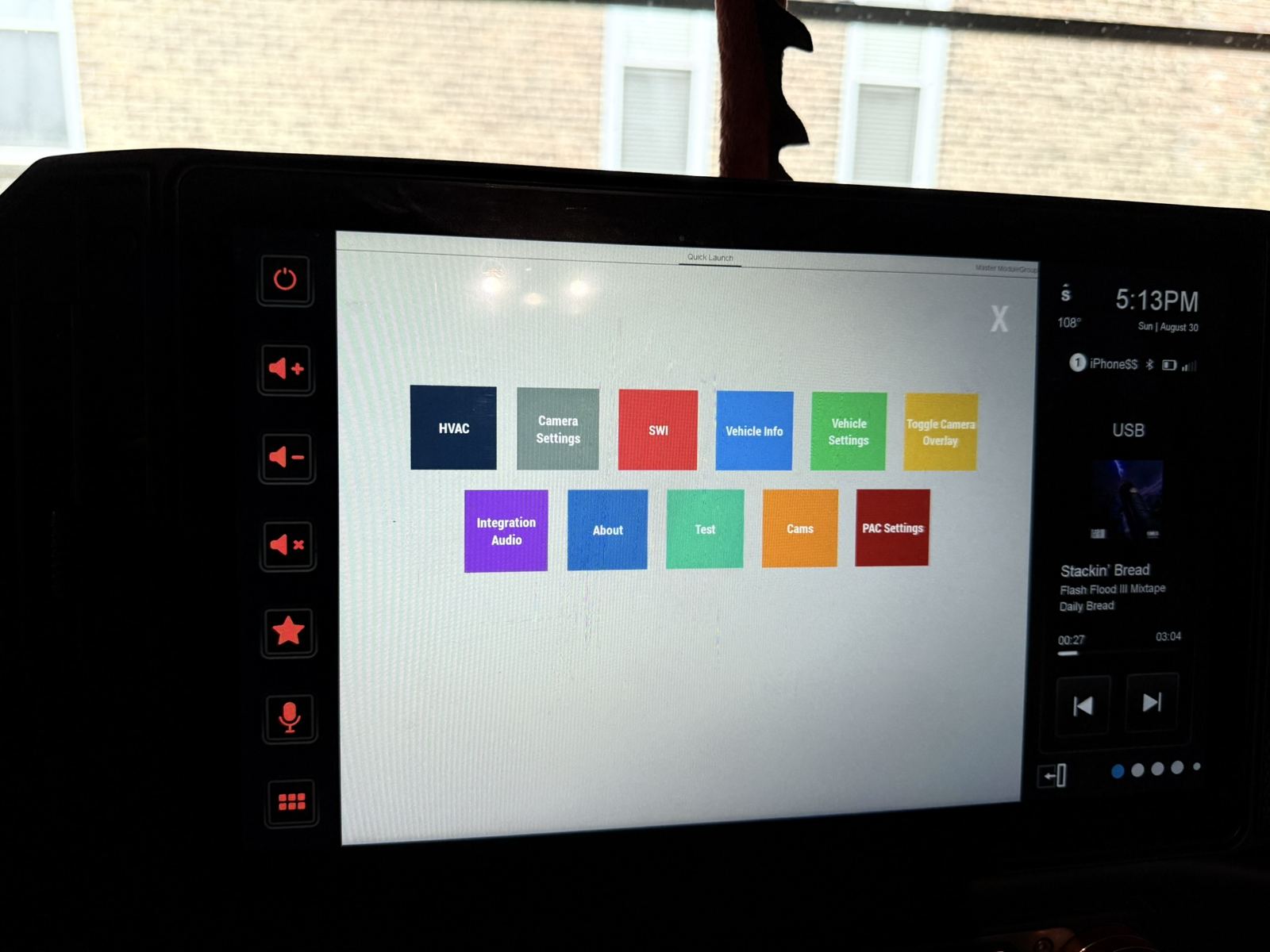 All those features, and I was mostly using volume and CarPlay.
What operating system does this stereo run on?
That was the question. I opened ChatGPT on my phone, pointed it at the radio, took a picture, and asked.
Android underneath, with Stinger’s own interface on top. Basically a giant Android tablet bolted to the dash.
That sent me down a two-month rabbit hole. Android, the CAN bus system in my car, the PAC module, almost diving into the hardware itself and the UART port.
But that’s a whole different rabbit hole.
Watch the walkthrough on YouTube.
Pick this apart
I went to the Stinger website, downloaded their firmware update, put it in a folder, and pointed Claude at it.
Pick this apart. Help me figure out how I can put this design here into that folder there.
We started picking through it and found the certificate the radio used to check its updates. Its public key matched one of Android’s test keys. A public key being visible isn’t the weird part. The problem was that the matching private key was public too.
These are AOSP, Android Open Source Project, test keys. They’re literally there for anyone to use.
So that was a big miss by the manufacturer. They should have replaced those test keys with their own signing keys, keeping the private key private, before this thing ever shipped.
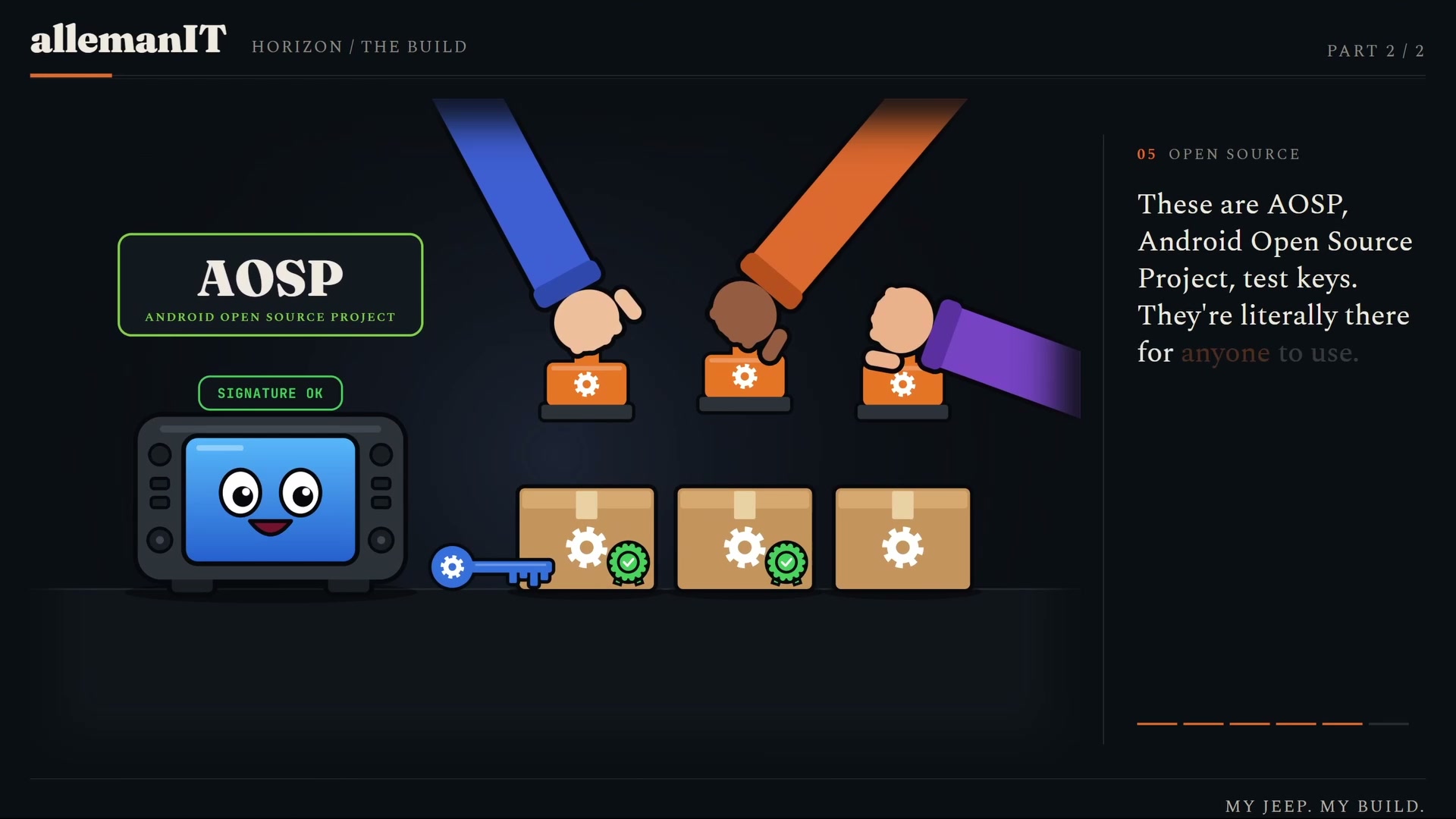 The matching private key was public too. That was the problem.
It looked terrible
I sat there with Claude, bundled it up, put my little design on there, and threw it onto the radio.
It looked terrible.
Half of it didn’t show up right. Some of it was copied over. It was ugly. Not as easy as I thought for this one-day project.
But we kept iterating.
I now have a network connection to my stereo
I enabled ADB, Android Debug Bridge, so my laptop could connect directly to the radio.
We got these little USB-to-Ethernet dongles. I ran a DHCP server on my laptop, plugged the laptop into the stereo, and gave the stereo an IP address.
And there we have it. I now have a network connection to my stereo.
Port 5555 was open from the little script we’d added. I could sit there and read what was on this thing.
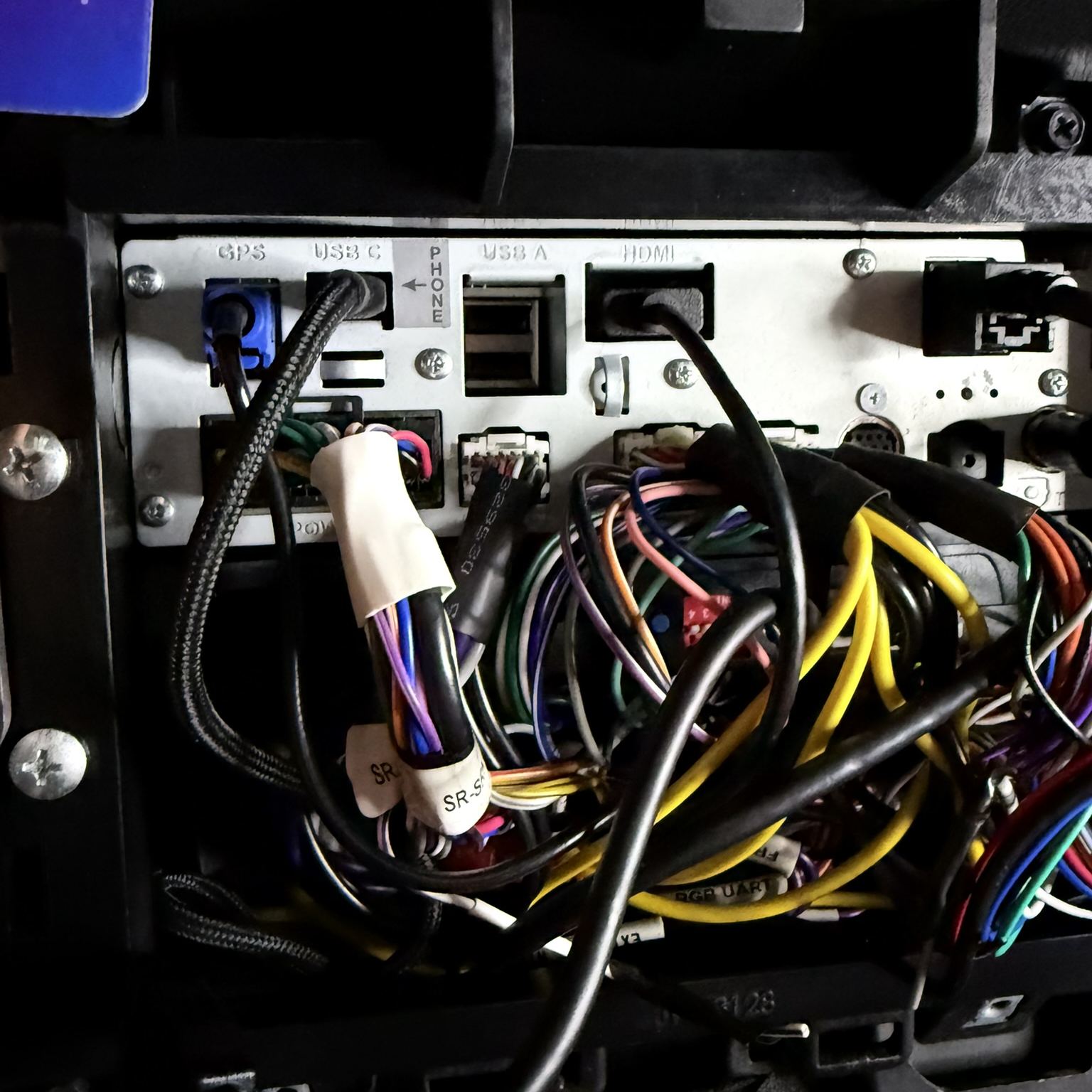 A USB-to-Ethernet dongle, my laptop, and an IP address for the stereo.
Hey, Claude, have some fun
That was where I let it loose. Start figuring this out and get my thing in place.
Like every good AI project, I have learned that if you make assumptions, or think it knows what you know and wants to do what you want, you’re not going to have the same goal.
That’s exactly what started happening. It made changes, tried to fix its own issues, and broke things. It disabled the USB ports. It deleted part of the filesystem trying to get my music to play. It tried to factory reset some things and screwed up some other parts.
All I could do at that point was laugh.
So I factory reset it. Then I planned everything I could.
Let’s start documenting what’s actually on this thing
I started researching AOSP, Android, and the vehicle modules. I put Claude in research mode and had it use read-only commands to start documenting and mapping what was already on the stereo.
Let’s see what they use. How do they do things? Where do they put things?
This honestly answered a lot of questions. It helped me understand that it wasn’t one little app displaying everything. There were multiple apps running. Some proprietary, some open source, some random things.
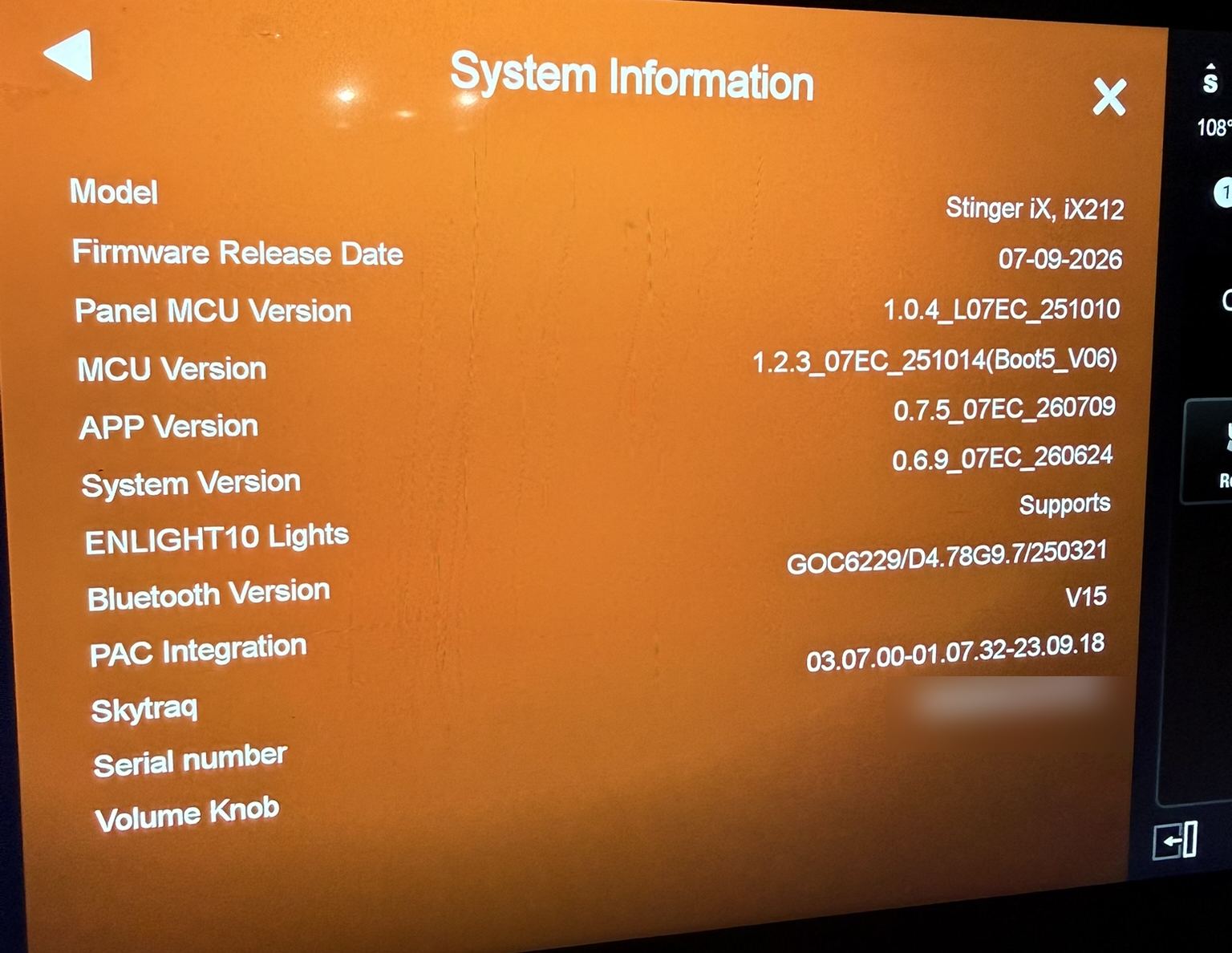 Figuring out what was already there before making more changes.
The picture in my head was a tablet running apps. Those apps talk to a module, and that module talks to the car’s network, the CAN bus. Controllers and sensors sending data around, like little network cables connecting the things in the car so they can talk to each other.
That’s how the aftermarket stereo gets information like vehicle speed, oil temperature, and what gear I’m in.
One step closer to making it mine
Here’s what I have: my own design. It still follows some of the original Stinger menus. Part of that was finding ways to wire in my own apps as I started making more things and trying my own designs and styles.
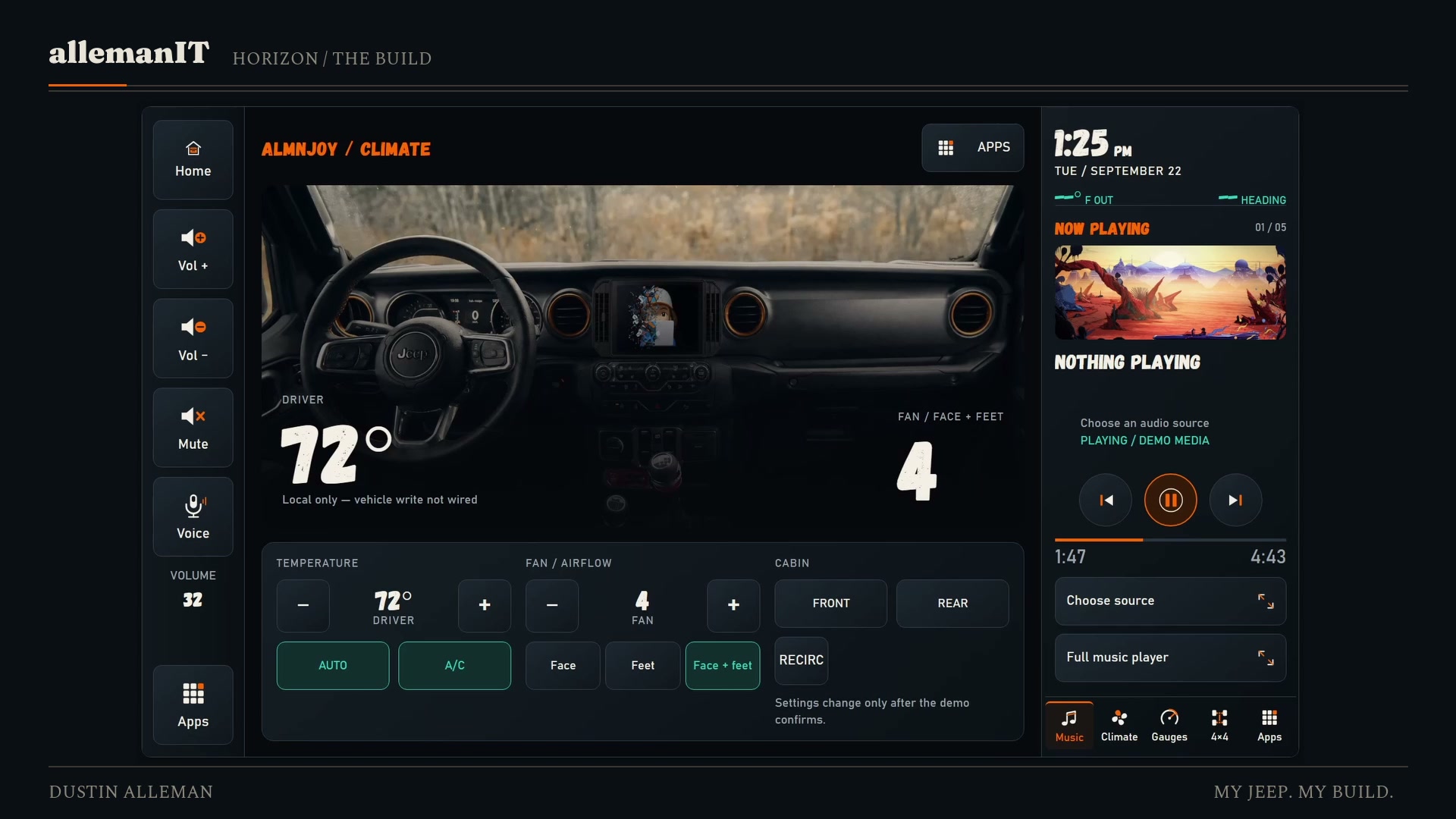 One of the design screens from the walkthrough. Still making it mine.
It’s one step closer to making all of it feel like mine. The radio, the head unit, the car, everything.
Thanks for following along.
Build notes and guide
I’m putting the project files and build notes together as a guide for anyone who wants to follow the process in more detail.